Legal AI for Criminal Justice Attorneys

AI Software to Review Body Camera Evidence

Brady allows you to process video, audio, and case documents in minutes, all linked to the source.
  • Encrypted evidence vault with 200 GB of storage
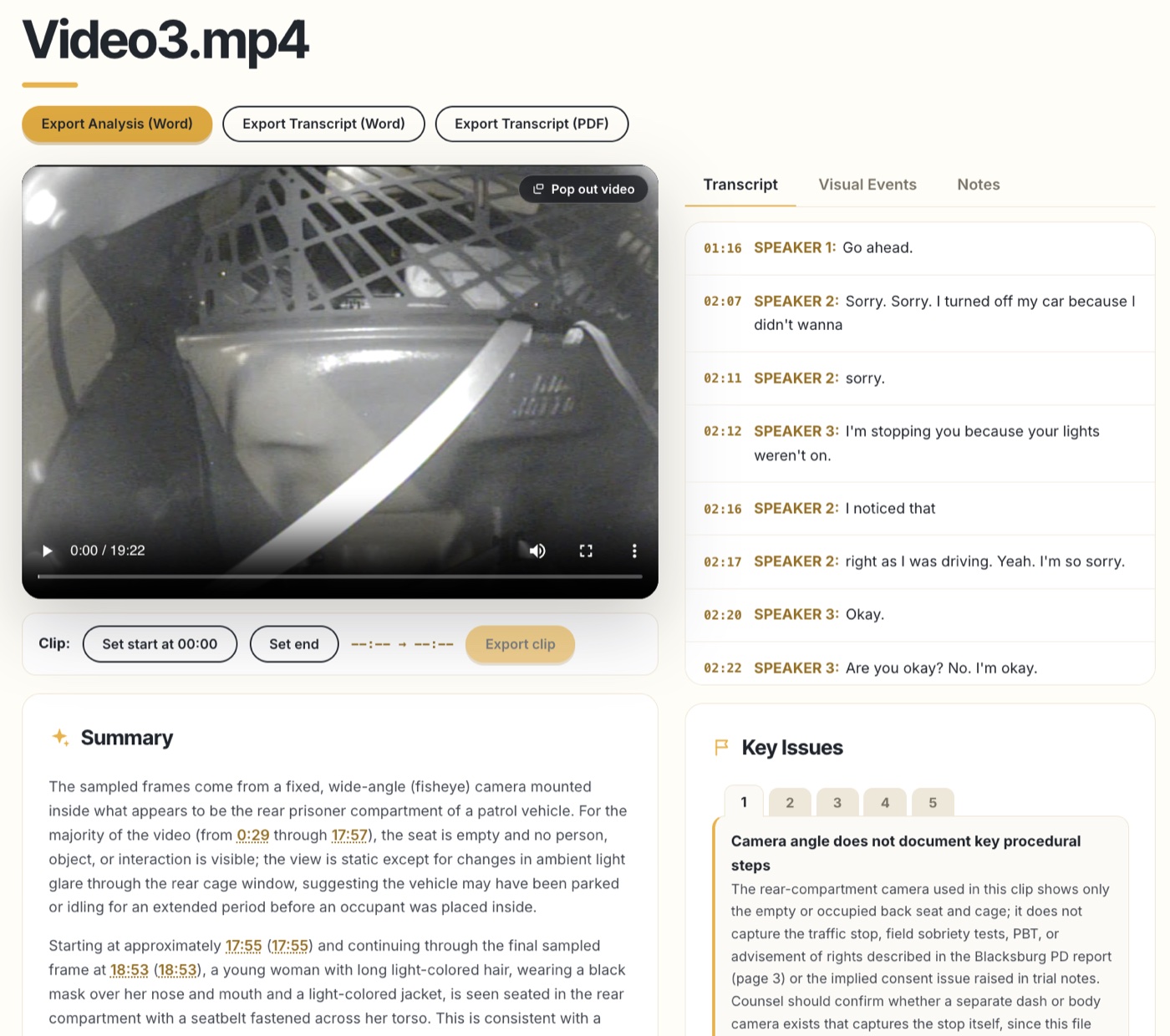
  • Review body camera footage, 911 calls, jail calls, and police reports, with every finding time-stamped
  • Starting at $95/mo, first 3 videos free
Try for Free
Encrypted VaultSOC 2 InfrastructureNo AI Training
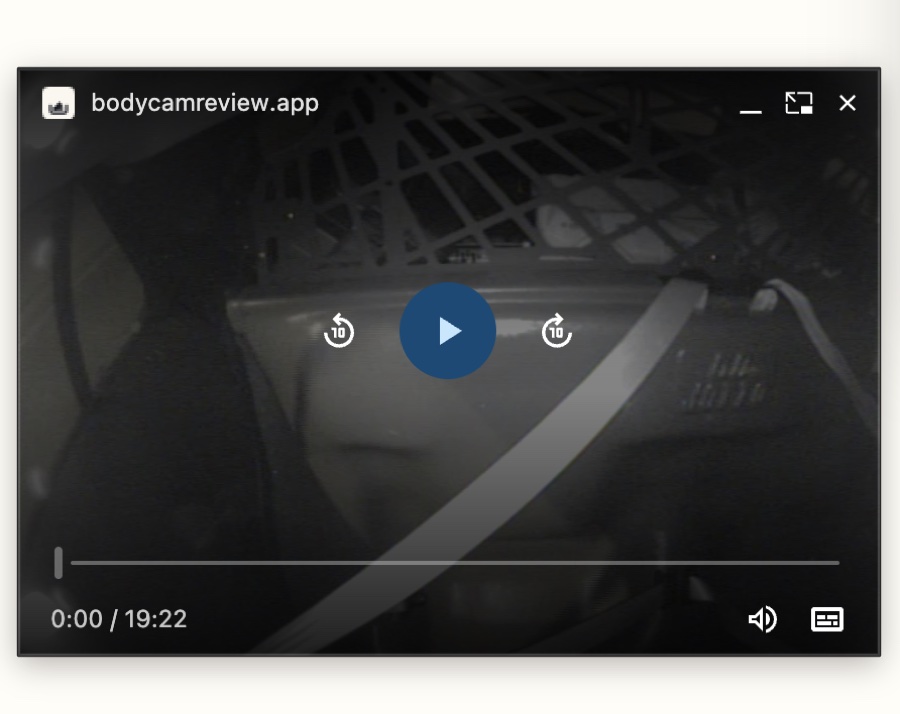
Brady video review workspace with transcript, summary, and key issuesPopped-out evidence video player window
Powered byClaudeSecured byClerkConnected toGoogle DriveConnected toDropbox
Legal AI for Criminal Justice Attorneys

Find Critical Evidence Faster

Human-Led Review

  • Visual events in the silent footage: items handled, searches begun, tools deployed, evidence leaving the frame
  • On-screen text read out of the pixels: plates, warrant headers, MDT screens, burned-in clocks
  • Defense flags: consent and Miranda timing, custody gaps, forced entry, third-party recordings
  • Speaker-labeled transcripts timed to the word, with one-click speaker renaming
  • A written summary and up to five concrete issues for counsel, every one time-stamped

Find What Matters

  • Attach the charging documents and the AI reads footage against the actual allegations
  • Batch-process a whole case, then search every video, transcript, and note at once
  • Confirm, reject, or flag any finding for the attorney; notes pinned to the second
  • Sync multiple cameras to one wall-clock timeline
  • Cut lossless clips and export Word or PDF reports that drop into the case file
  • Shared firm workspaces: your paralegal processes, you review

Safe and Secure

  • Footage lives in an encrypted evidence vault reserved for your account: encrypted at rest, TLS in transit, 200 GB included
  • Files are reachable only through short-lived signed links issued to your sign-in; there are no public URLs
  • Client footage is never used to train AI models, by contract with our providers
  • Sign-in, MFA, and sessions handled by Clerk; we never see credentials
  • Every database query and vault operation is scoped to your account; payments stay on Stripe’s systems
  • Delete a video or case and the vault copy is deleted with it; delete means gone
How it works

Discovery in, court-ready in minutes

1

Upload Evidence

Create an account to upload BWC from your desktop, thumb drive, Google Drive, Dropbox, or Box. Files upload into your encrypted evidence vault, so they are there on any device you sign in from.

2

Claude-Powered Processing

Visual events, speaker-labeled transcript, on-screen text, and defense flags in one pass.

3

Review, Verify, Export

Jump to the exact second, cut lossless clips, and export Word or PDF reports.

01 / Human-Led AI for Body Camera Footage

Review every second of footage.

Audio transcribed plus frame-by-frame review of the non-verbal record. Even where the video is silent, we flag objects handled, tools deployed, searches begun, evidence moved off camera. Plus on-screen text pulled from the pixels: plates, labels, and signs.

Run it on your own video →

Visual events: silent footage
00:21OCRMDT screen: case CR-26-00417, 112 Maplewood Ct.
01:28OCRFront plate captured: VA “DEMO-4471” (94%)
03:56FLAGHood raised, never referenced in any audio
08:18VISUALBystander raises phone in recording posture
02 / Secure by architecture

An evidence vault, not a consumer upload box

Multi-gigabyte discovery files upload into an encrypted evidence vault reserved for your account: encrypted at rest, TLS in transit, reachable only through short-lived signed links. Nothing trains AI models, and deleting a video deletes the vault copy with it.

Read The Security Model →

AI summary: issues for counsel
No consent obtained or soughtOccupant's objection is on the record at 00:52; match warrant scope against the vehicle searched.
Custody gap: 22 seconds off cameraRecovered bag leaves the frame before photographing.
Third-party recording existsBystander livestream at 08:18; send a preservation letter.
03 / Word for word

Transcripts, timed to the word

Speaker-labeled transcription with clickable timestamps, side by side with the visual track. Review what was said and what was done in one workspace.

Transcript
00:34OFC. MILLER: “We have a warrant for the vehicle…”
00:52D. SAMPLE: “A warrant? For my car? Nobody told me anything…”
01:44OFC. REYES: “Do you have the key on you?”
03:56OFC. REYES: “Door is open.”
Try for Free
Key Features

AI Software for Prosecutors and Defense Lawyers

Clickable timestamps

Every visual event seeks the source video to the exact second.

On-screen text capture

Plates, warrants, MDT screens, and camera timestamps read out of the pixels.

Issue-spotting

Consent, Miranda timing, custody gaps, and scope-of-search questions flagged automatically.

Multi-camera sync beta

Line up body cams and dash cams on one timeline to catch what each angle hides.

Court-ready exports

Word and PDF reports that drop straight into your case file.

Free pilot

Three full AI analyses on the house, no card required to start.

Side by side

Brady vs. Other Tools

If your tool only reads the audio, it never sees most of the case.

Brady
  • Silent / non-verbal footage analysis
  • Speaker-labeled transcripts with timestamps
  • On-screen text & plate capture (OCR)
  • Visual chain-of-custody flags
  • Issue-spotting (consent, Miranda timing, K9)
  • Published pricing and storage limits (200 GB vault)
Audio-First Tools*
  • Silent / non-verbal footage analysis
  • Speaker-labeled transcripts with timestamps
  • On-screen text & plate capture (OCR)
  • Visual chain-of-custody flags
  • Issue-spotting (consent, Miranda timing, K9)
  • Published pricing and storage limits

*Feature comparison reflects public materials of leading audio-first evidence-review tools as of July 2026; verify current capabilities with any vendor before purchasing.

Pricing

Simple, transparent pricing

Try for free, no credit card required.

Free pilot
Free
No card required
  • 3 videos with full AI review
  • Visual events + transcripts
  • Evidence stays on device
  • 40 hours of video / month
  • Lossless clip export
  • Word & PDF exports
  • Priority processing
  • Email support
Create your account
Law Firms (5+) and Government Offices
Custom
Bundle discount for 5 or more licenses
  • Everything in Solo
  • Volume pricing on 5+ seats
  • Shared workspaces (rolling out)
  • Dedicated support
Contact Us

FAQs

How can I review hours of body camera footage faster?

Upload the video to your caseroom and process it. Brady samples frames across the full runtime and returns a timestamped index of visual events, on-screen text, and defense-relevant flags in about a minute, so you spend your review time on the moments that matter instead of scrubbing through silence.

Can AI find Miranda or consent issues in bodycam video?

Brady flags suppression-relevant moments it can observe: contexts where consent language is absent before a search begins, custody gaps where evidence leaves the frame, forced entry, K9 deployments, and third-party recordings worth preserving. Flags are leads for counsel to verify against the footage, not legal conclusions.

Does Brady work with Axon, WatchGuard, and Motorola video files?

Yes, if your browser can play it, we can analyze it: MP4, MOV, WebM, and the MP4 exports produced by common evidence platforms including Axon and Motorola WatchGuard.

How is Brady different from JusticeText and other transcription tools?

Audio-first tools transcribe and summarize what was said. Brady analyzes the silent footage, meaning what officers did on camera when nobody was talking, and pins every finding to a clickable timestamp. In a typical body cam video, most material events happen without a word spoken.

How much does body cam review software cost?

Brady publishes flat pricing: your first 3 videos are free with no card required, then $95 per attorney per month, billed monthly, with bundle pricing for firms and public defender offices of five or more licenses.

Is my client's footage used to train AI models?

No. Never. Your footage is processed to generate your analysis and for nothing else, and our model providers are contractually barred from training on customer data.

Where is the evidence stored? Will my videos still be here tomorrow?

Video files upload into your encrypted evidence vault: private cloud storage reserved for your account, encrypted at rest and in transit, with 200 GB included. Your cases, findings, transcripts, and summaries are stored alongside it, so everything follows you to any device you sign in from. Your browser keeps a local copy of recently used files for instant playback, but the vault is the system of record. Delete a video and the vault copy is deleted with it. As a matter of practice, keep your original discovery files in your normal evidence storage.

Can I rely on the AI's findings in court?

Treat them like work product from a very fast paralegal: every finding links to a timestamp so you can verify by eye against the source footage. The tool is a reviewing aid, not a substitute for counsel's own review.

Get Started Today

No Sales Call Required. Try Brady for Free.

As a criminal defense lawyer or prosecutor, you are busy preparing for court. Brady helps you quickly identify key evidence with time-stamps, so you can accelerate your case preparation.

Try for Free